

教程简介:
首先我们要知道这个排名榜一共是三个文件代码,HTML、CSS和图片,话不多说直接开始(适配夜间)
相关图片:
![图片[1]-子比主题美化 – 首页排名榜样式美化-回忆博客](https://picx.zhimg.com/80/v2-280f66c3de34c5e772c167a97b5e9539_720w.png)
教程如下:
HTML代码如下:
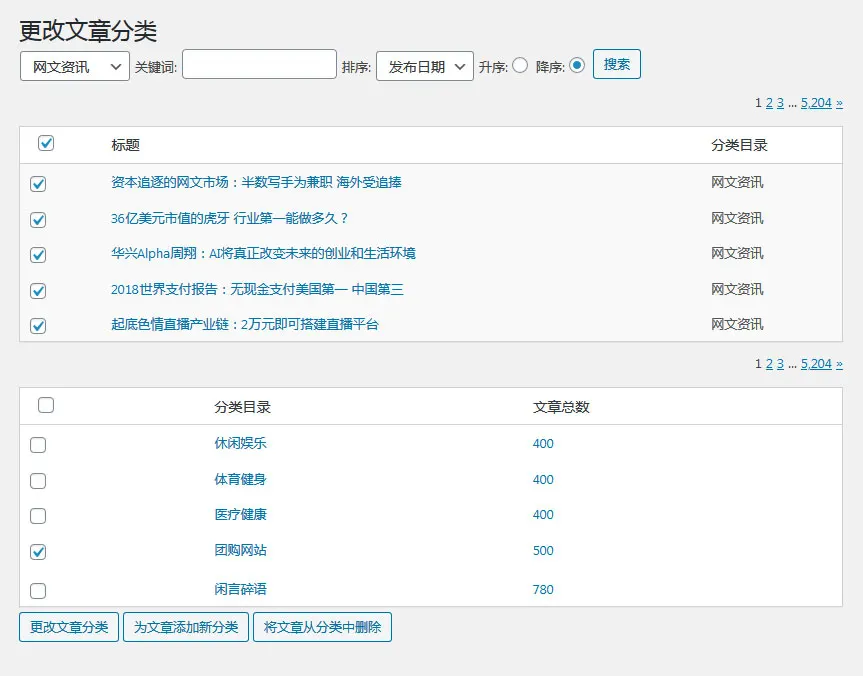
<div id="syphb" class="container list clearfix"> <div class="ranking-item"> <a class="top-icon js-rank-bottom1">子比美化</a> <div class="class-box"> <?php query_posts('cat=3&showposts=5&orderby=views'); ?> <?php while (have_posts()) : the_post(); ?> <a class="class-item js-rank" href="<?php esc_url(the_permalink()); ?>" rel="external nofollow" rel="external nofollow" rel="external nofollow" target="_blank"> <div class="num-icon num-icon<?php ++$phnum1; echo $phnum1; ?>"></div> <span class="syphimg" > <?php echo zib_post_thumbnail(); ?></span> <div class="class-info"> <div class="name"><?php the_title(); ?></div> <span class="badg b-theme badg-sm"><?php echo get_post_view_count('', ''); ?>热度值</span> </div> </a> <?php endwhile;?> </div> <a class="bottom-link js-rank-bottom"href="./beautify"> <span>榜单实时更新</span> <i class="imv2-chevrons-right"></i> </a> </div> <div class="ranking-item"> <a class="top-icon js-rank-bottom2" >每日资讯</a> <div class="class-box"> <?php query_posts('cat=7&showposts=5&orderby=views'); ?> <?php while (have_posts()) : the_post(); ?> <a class="class-item js-rank" href="<?php esc_url(the_permalink()); ?>" rel="external nofollow" rel="external nofollow" rel="external nofollow" target="_blank"> <div class="num-icon num-icon<?php ++$phnum2; echo $phnum2; ?>"></div> <span class="syphimg" > <?php echo zib_post_thumbnail(); ?></span> <div class="class-info"> <div class="name"><?php the_title(); ?></div> <span class="badg b-theme badg-sm"><?php echo get_post_view_count('', ''); ?>热度值</span> </div> </a> <?php endwhile;?> </div> <a class="bottom-link js-rank-bottom"href="./60sec"> <span>榜单实时更新</span> <i class="imv2-chevrons-right"></i> </a> </div> <div class="ranking-item"> <a class="top-icon js-rank-bottom3" >IPA资源</a> <div class="class-box"> <?php query_posts('cat=6&showposts=5&orderby=views'); ?> <?php while (have_posts()) : the_post(); ?> <a class="class-item js-rank" href="<?php esc_url(the_permalink()); ?>" rel="external nofollow" rel="external nofollow" rel="external nofollow" target="_blank"> <div class="num-icon num-icon<?php ++$phnum3; echo $phnum3; ?>"></div> <span class="syphimg" > <?php echo zib_post_thumbnail(); ?></span> <div class="class-info"> <div class="name"><?php the_title(); ?></div> <span class="badg b-theme badg-sm"><?php echo get_post_view_count('', ''); ?>热度值</span> </div> </a> <?php endwhile;?> </div> <a class="bottom-link js-rank-bottom"href="./ipa"> <span>榜单实时更新</span> <i class="imv2-chevrons-right"></i> </a> </div> </div>首先看下图,第一个是分类ID,第二个是在首页出现几个
![图片[2]-子比主题美化 – 首页排名榜样式美化-回忆博客](https://picx.zhimg.com/80/v2-34399ffffa586cc1b3e968c10ae248dd_720w.png)
将上面的HTML代码放到自己的index.php里面 我目前是放到/wp-content/themes/zibll/index.php里面搜
<?php get_sidebar(); ?>
将代码放到index里面即可,然后我们接下来就是CSS样式啦
/** 首页排行榜列表 **/ @media (max-width: 768px) { .ranking-item{ width:100%!important; } } .syphimg{ width: 90px; height:60px; margin-right: 5px; } .syphimg img{ border-radius: 8px; } .list.clearfix { display: flex; justify-content: space-between; flex-wrap: wrap; } .ranking-item { margin:0 auto; position: relative; width: calc(33.333% - 10px ); /* height: 400px; */ /* margin-right: 10px; */ /* margin-left: 10px; */ background: var(--main-bg-color); /* box-shadow: 0 2px 6px 0 rgb(55 55 55 / 7%); */ /* border-radius: 8px; */ box-shadow: 0 0 10px var(--main-shadow); border-radius: var(--main-radius); margin-bottom: 20px; } a.top-icon.js-rank-bottom1 { display: block; width: 129px; height: 43px; line-height: 32px; position: absolute; left: 150px; top: -7px; background: url(/pic/ranking1.png) no-repeat center/100%; font-size: 18px; color: #fff; font-weight: 600; text-align: center; } a.top-icon.js-rank-bottom2 { display: block; width: 129px; height: 43px; line-height: 32px; position: absolute; left: 150px; top: -7px; background: url(/pic/ranking2.png) no-repeat center/100%; font-size: 18px; color: #fff; font-weight: 600; text-align: center; } a.top-icon.js-rank-bottom3 { display: block; width: 129px; height: 43px; line-height: 32px; position: absolute; left: 150px; top: -7px; background: url(/pic/ranking3.png) no-repeat center/100%; font-size: 18px; color: #fff; font-weight: 600; text-align: center; } .class-box { margin-top: 60px; } a.class-item.js-rank { display: block; width: 100%; height: 80px; display: flex; align-items: center; margin-bottom: 20px; } .num-icon.num-icon1 { width: 40px; height: 22px; background: url(/pic/top1.png) no-repeat center/100%; margin: 0 12px 0 15px; } img.class-pic { width: 90px; border-radius: 8px; margin-right: 5px; } .class-info { width: 190px; font-size: 12px; } .name { color: var(--main-color); line-height: 20px; font-weight: 400; margin-bottom: 2px; text-overflow: ellipsis; display: -webkit-box; -webkit-line-clamp: 2; overflow: hidden; -webkit-box-orient: vertical; } .price { color: #f01414; font-weight: 600; margin-bottom: 2px; } .study-num { color: #9199a1; font-weight: 400; } .num-icon.num-icon2 { background: url(/pic/top2.png) no-repeat center/100%; margin: 0 12px 0 15px; width: 40px; height: 22px; } .num-icon.num-icon3 { background: url(/pic/top3.png) no-repeat center/100%; margin: 0 12px 0 15px; width: 40px; height: 22px; } .num-icon.num-icon4 { background: url(/pic/top4.png) no-repeat center/100%; margin: 0 12px 0 15px; width: 40px; height: 22px; } .num-icon.num-icon5 { background: url(/pic/top5.png) no-repeat center/100%; margin: 0 12px 0 15px; width: 40px; height: 22px; } .num-icon.num-icon6 { background: url(/pic/top6.png) no-repeat center/100%; margin: 0 12px 0 15px; width: 19px; height: 22px; } a.bottom-link.js-rank-bottom { width: 120px; height: 24px; display: flex; justify-content: center; align-items: center; margin: 0 auto; font-size: 12px; color: #fff; line-height: 12px; font-weight: 500; background-image: linear-gradient(270deg,#ff4f39 0,#fd6400 100%); border-radius: 12px; margin-bottom: 20px; } /** 首页排行榜列表结束 **/将上面CSS代码放到子比后台-自定义CSS样式即可!
接下来就是下载图片,我将图标放在的下面,大家可以去下载!记住图片要对着CSS里面的目录对好,要不然看不到图片的!
下载地址:https://jsw.lanzoum.com/ifrwz1xvghhg
© 版权声明
文章版权归作者所有,未经允许请勿转载。
THE END


![适用于全部WordPress程序网站的数据库批量替换插件、可无脑一键换域名工具[插件发布]-回忆博客](http://www.aih0.cn/wp-content/uploads/2026/07/ea59d7d0db541c58ce295fe270ed0873.jpeg)




暂无评论内容